Work / Desktop apps / System

Blackbox
Every blue screen, crash and freeze on your PC, explained in plain language.
C#.NET 8WPF
What it does
Every blue screen, crash and freeze on your PC, explained in plain language.
Blackbox collects every blue screen, app crash and freeze on your PC and explains each one in plain language. It sits in the notification area, reads the records Windows already keeps, and holds on to them, so you can still see what happened long after Windows has thrown its own copy away.
What it does
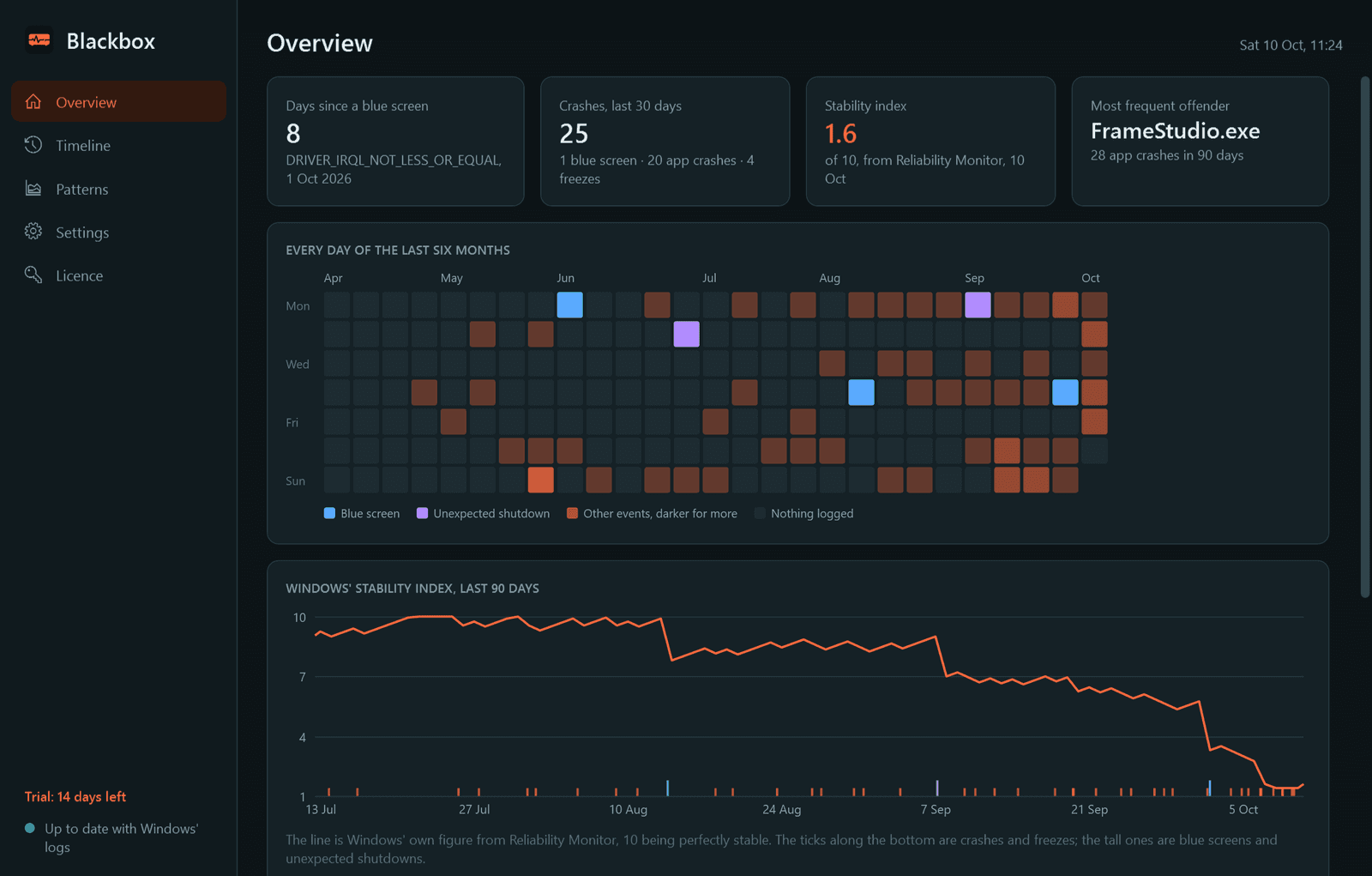
- The headline: days since the last blue screen, crashes in the last 30 days, Windows' own stability index, and the program that misbehaves most.
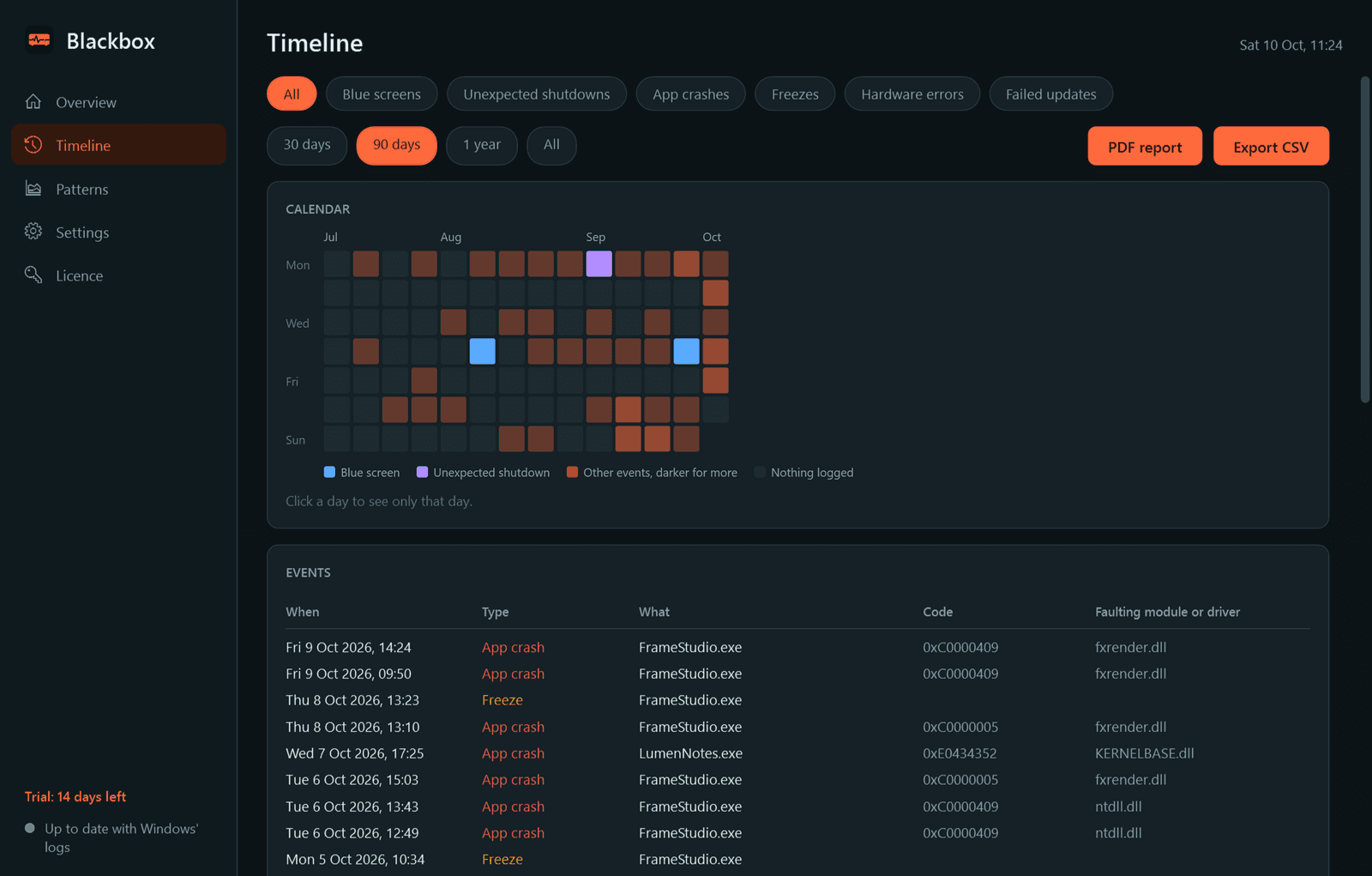
- A timeline of everything that went wrong, with a calendar and filters for blue screens, unexpected shutdowns, app crashes, freezes, hardware errors and failed updates.
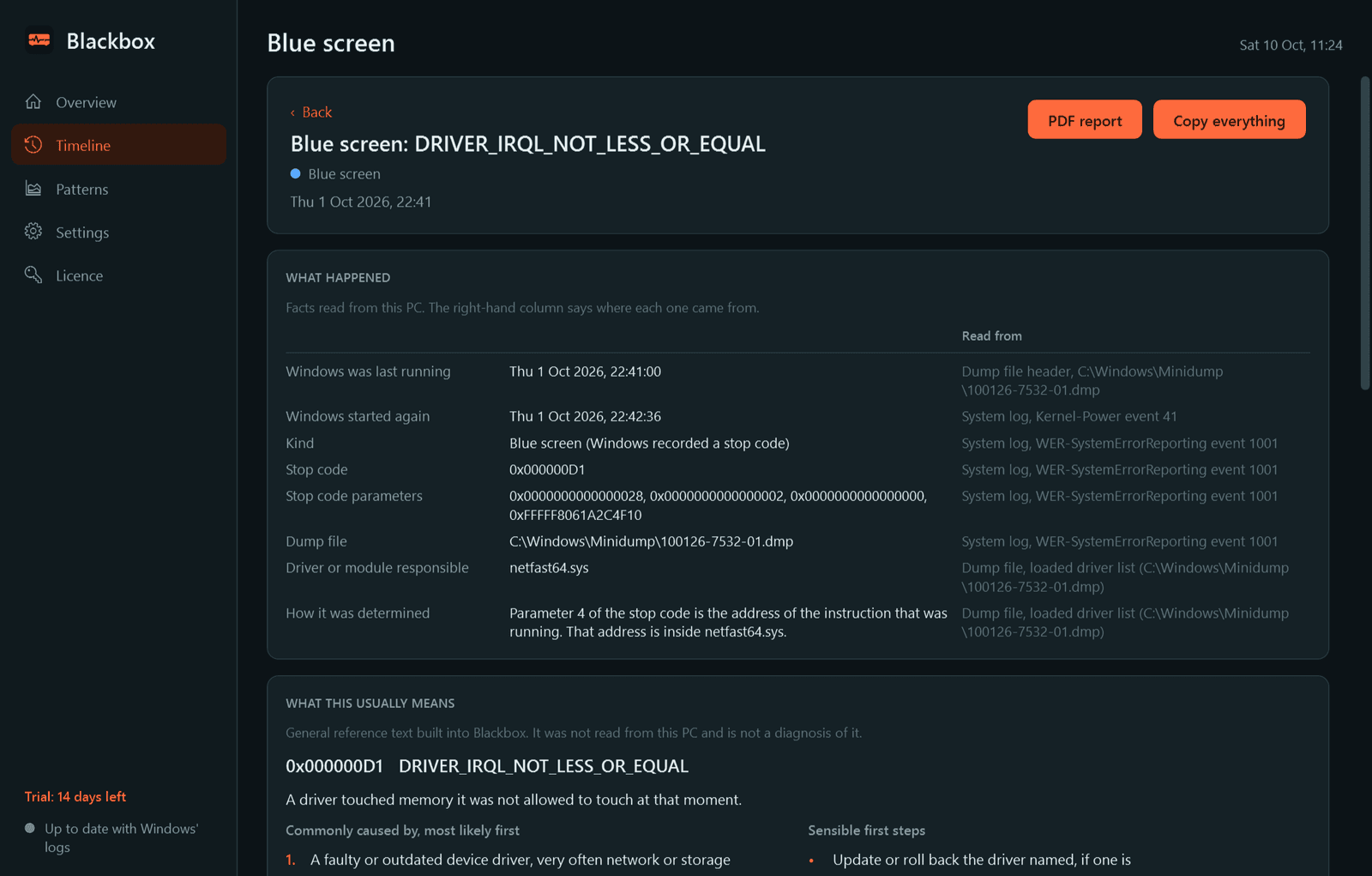
- A page for each event in two parts. "What happened" lists the facts from this PC, each with the log it was read from. "What this usually means" explains the stop code or error code: what it means, the usual causes in order of likelihood, and sensible first steps.
- For a blue screen: the disk, memory, driver and hardware warnings logged in the hours before, and the Windows updates, driver installs and program installs of the week before.
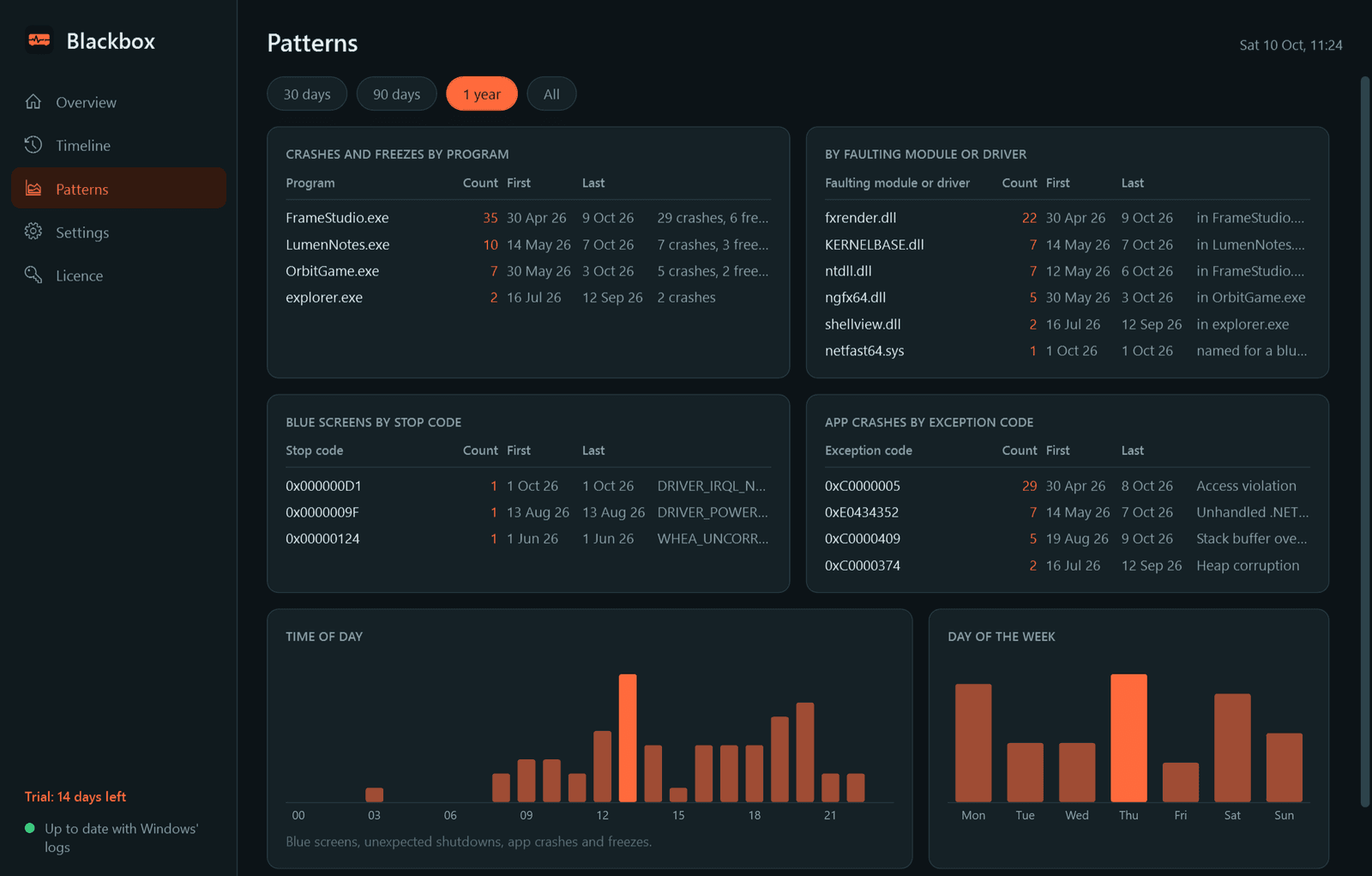
- Patterns: crashes grouped by program, by faulting module or driver, by stop code and by exception code, with counts and first and last seen, and by time of day and day of the week.
- A one-page PDF report for one event or a range of dates, ready to send to a technician, and export to CSV.
- Notifications when you sign in after a blue screen or an unexpected shutdown, when the same app keeps crashing, and when a hardware error is logged. Each can be switched off.
- Light and dark mode.
Good to know
- Free to try for 14 days with every feature. After that Blackbox needs a licence to keep running; without one it stops, and what it has recorded is kept for when you enter a key.
- On first run it imports everything Windows' event logs and Reliability Monitor still hold, so there is history from day one.
- Blackbox never guesses a culprit. It names the driver behind a blue screen only when Windows' records, the dump file or Windows' debugging tools actually name it; otherwise it says the cause was not determined.
- The explanations are general reference text, kept apart from the facts read from your PC. A code Blackbox has no entry for is shown as it is, with a link to search for it.
- Windows keeps blue-screen dump files for administrators. Blackbox offers an "Include blue-screen dump files" step, which Windows asks an administrator to approve; without it Blackbox works from the event logs alone.
- It installs for your user account only and never asks for administrator rights to install. History stays on your PC and is never deleted.
One-time purchase for one PC. Includes every version released in the following 12 months; the version you have keeps working after that.
Screens
A closer look.
Next project · Desktop appsSweep →
Need somethinglike this built?
A few lines is enough. You will hear back from a person within one business day.
Start a projector email [email to set] · [booking link to set]