Work / Desktop apps / Network
Lookout
See every device on your network, and know the moment a new one joins.
C#.NET 8WPF
What it does
See every device on your network, and know the moment a new one joins.
Lookout sits in the notification area and sweeps your home or office network every five minutes. It lists every device connected, remembers when each one comes and goes, and tells you the moment something new joins.
What it does
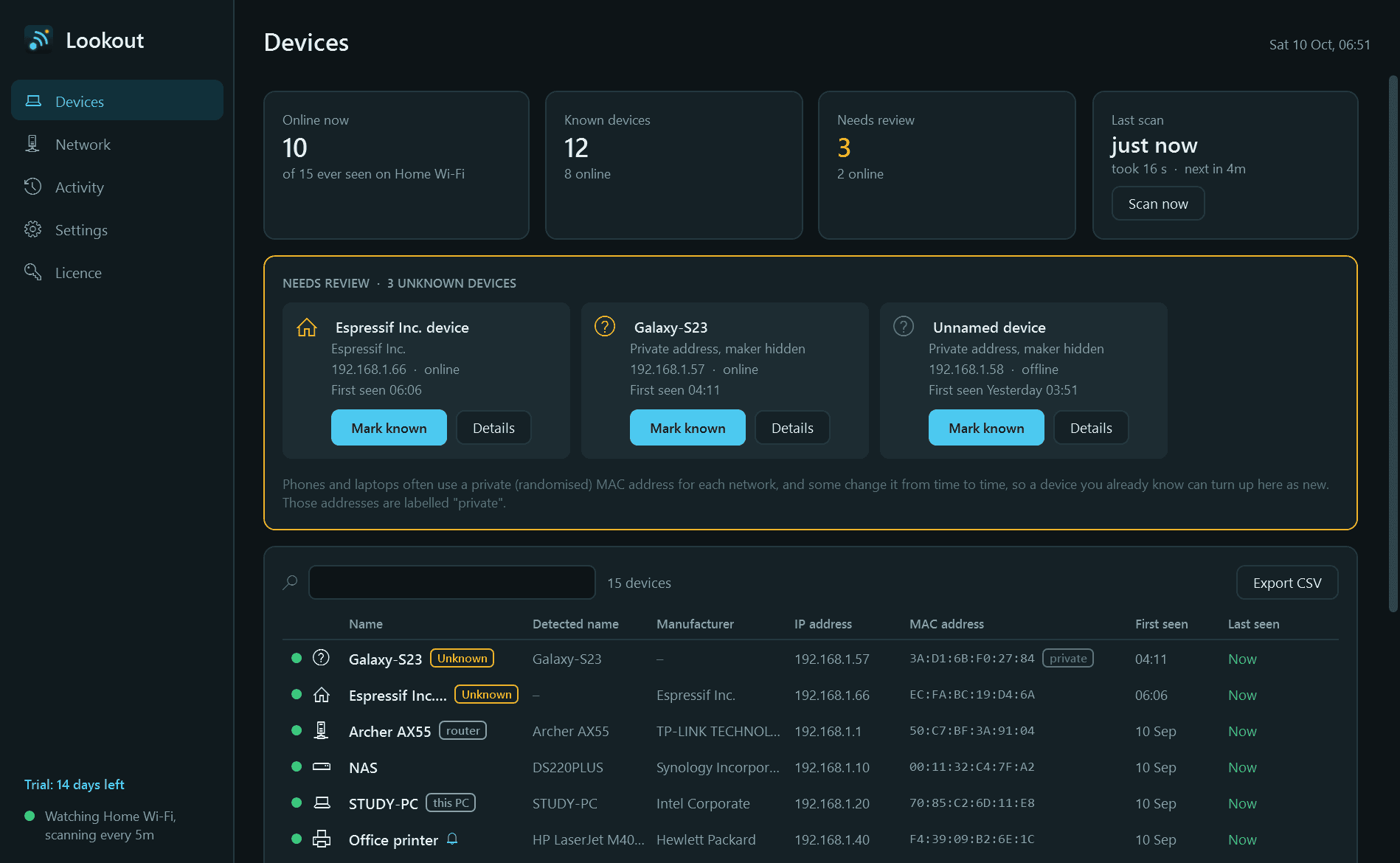
- Finds every device on the network: its name, manufacturer, type, IP address and MAC address, with a green dot for the ones online now.
- New devices start as Unknown and wait in a "needs review" strip until you have looked at them. Name them, set their type and mark them Known.
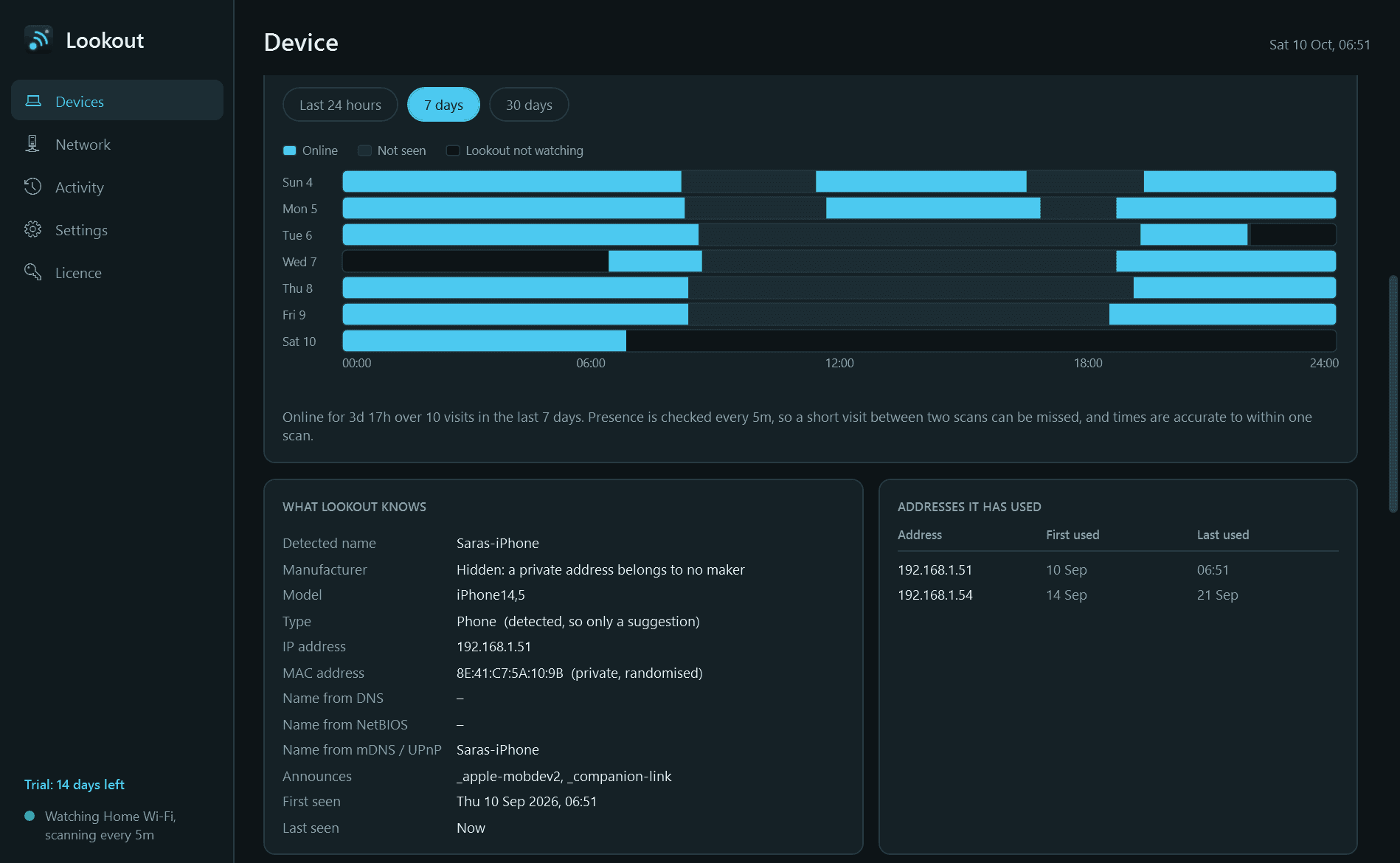
- A page for each device: when it was online over the last day, week or month, and every IP address it has used.
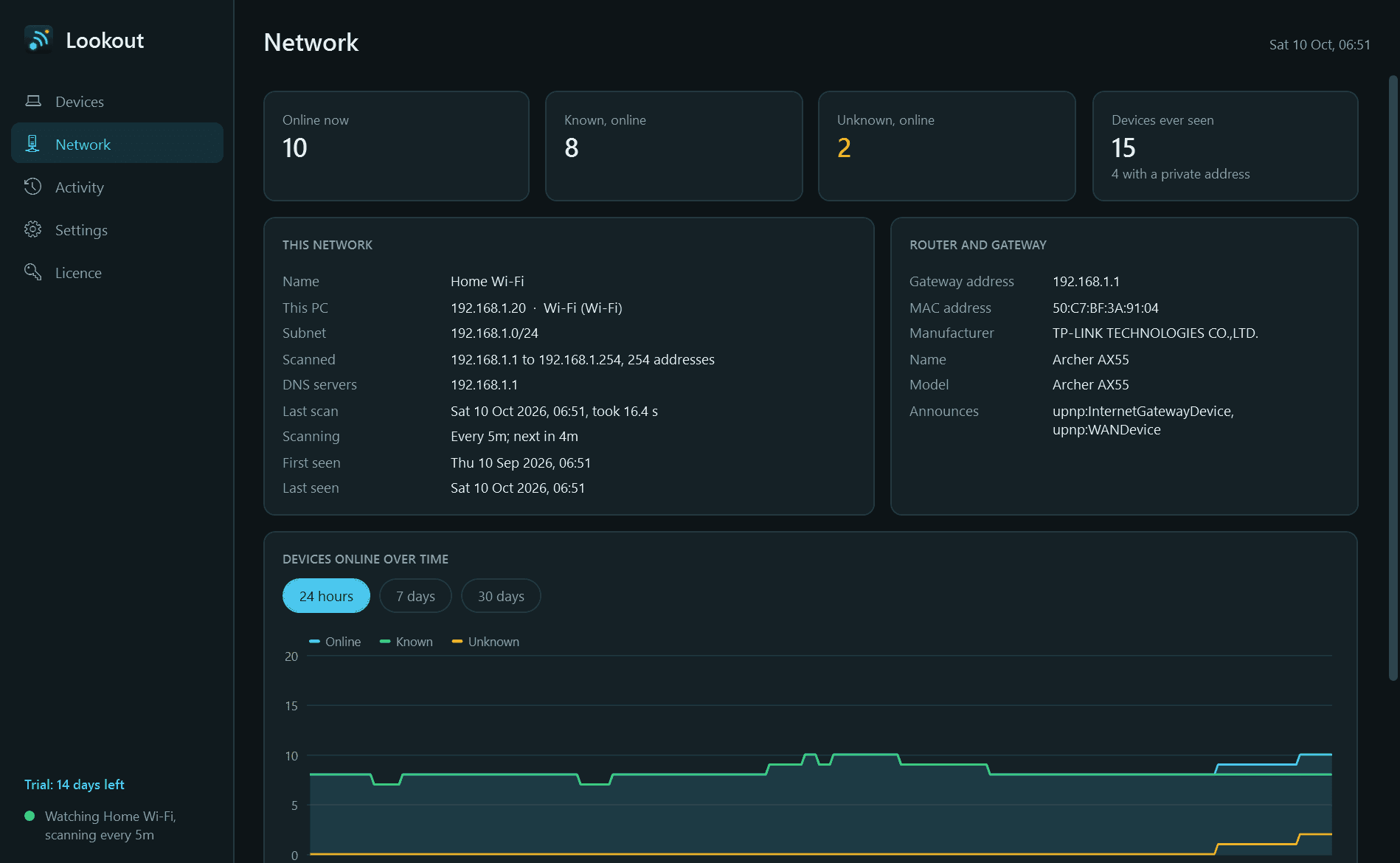
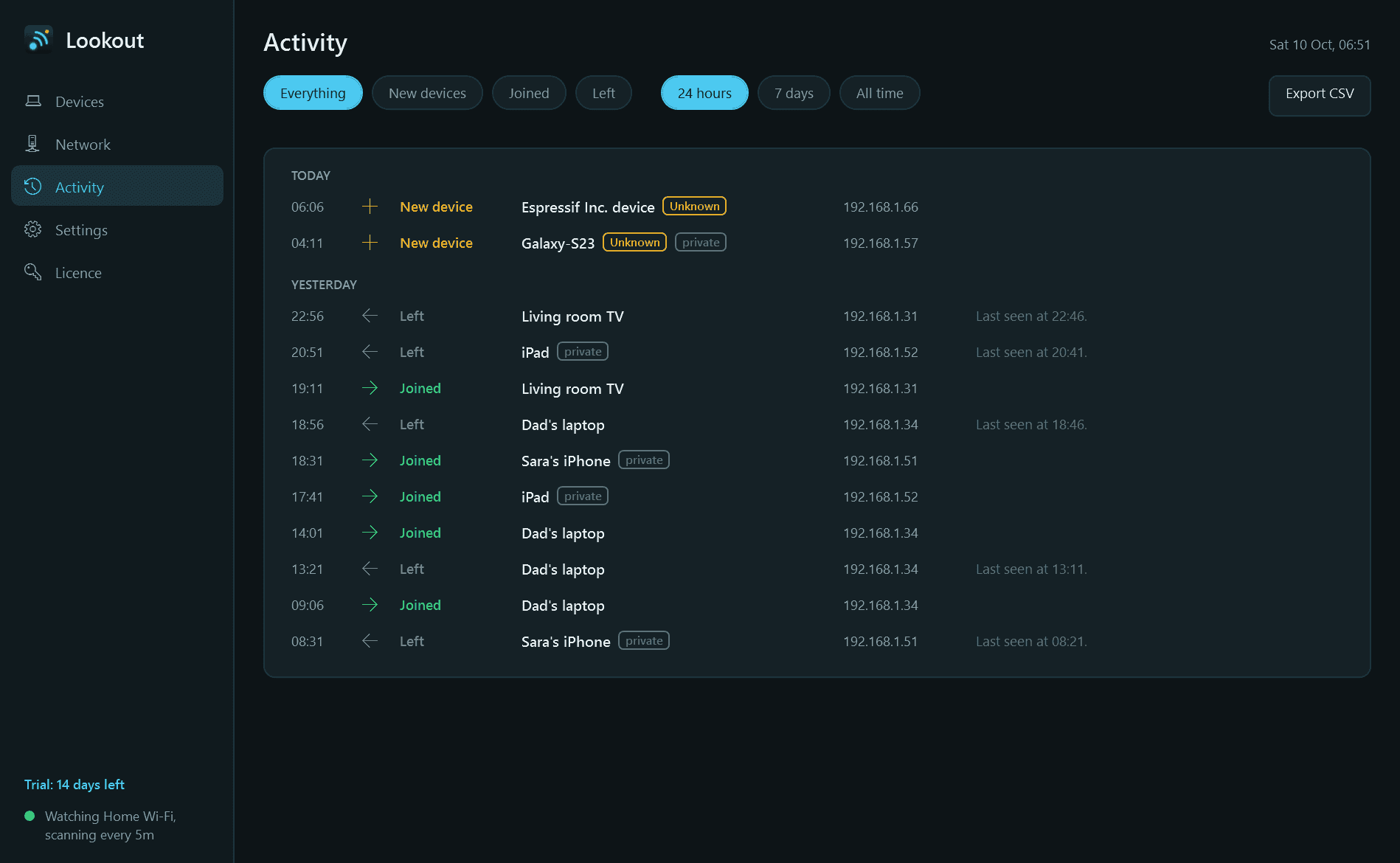
- An activity feed of every arrival and departure, kept for as long as you like, and a chart of how many devices were online over time.
- Windows notifications, each with its own switch: a device never seen before joins, a device you chose comes online or drops off (for example the printer), or an Unknown device is still connected after a time you set.
- A separate device list for each network, so home and office never mix.
- The notification-area icon shows how many devices are online. Light and dark mode, and export of devices and events to CSV.
What it does not do
- It only looks at the local network your PC is on. It does not scan ports on any device and never touches an address outside your own network.
- Nothing leaves your PC. The only thing Lookout contacts is this store, to check the licence and look for a new version.
Good to know
- Phones, tablets and laptops often use a random "private" MAC address for each network, and some change it over time, so the same phone can turn up as a new device. Lookout labels those addresses and explains why.
- It scans only while it is running, so let it start with Windows. Time when the PC was asleep or off is shown as "not watching", never as devices having left.
- A visit shorter than the scan interval can be missed, and devices on a guest network or another VLAN are out of its sight.
- A device's name and type are whatever it announces about itself; many announce nothing, and your own name and type always win.
- It installs for your user account only and never asks for administrator rights.
- Free to try for 14 days with every feature. After that Lookout needs a licence to keep running; without one it stops scanning and opens only its Licence page. Nothing is deleted, and what was recorded is shown again once a licence is active.
One-time purchase for one PC. Includes every version released in the following 12 months; the version you have keeps working after that.
Screens
A closer look.
Next project · Desktop appsEvergreen →
Need somethinglike this built?
A few lines is enough. You will hear back from a person within one business day.
Start a projector email [email to set] · [booking link to set]