Work / Desktop apps / Security
Strongbox
A vault for your files: encrypted, names and all, and locked when you walk away.
What it does
A vault for your files: encrypted, names and all, and locked when you walk away.
Strongbox is a vault for your files. You make a vault protected by a password, drop files and folders into it, and they are stored encrypted, so that nobody without the password can read them or even see their names. You unlock it to browse, open and change your files, and it locks itself again when you walk away.
It needs no administrator rights to install or run, and there is no Windows service. A vault is an ordinary folder of encrypted files, in a place you choose: a local disk, an external drive, or a folder that a cloud service syncs.
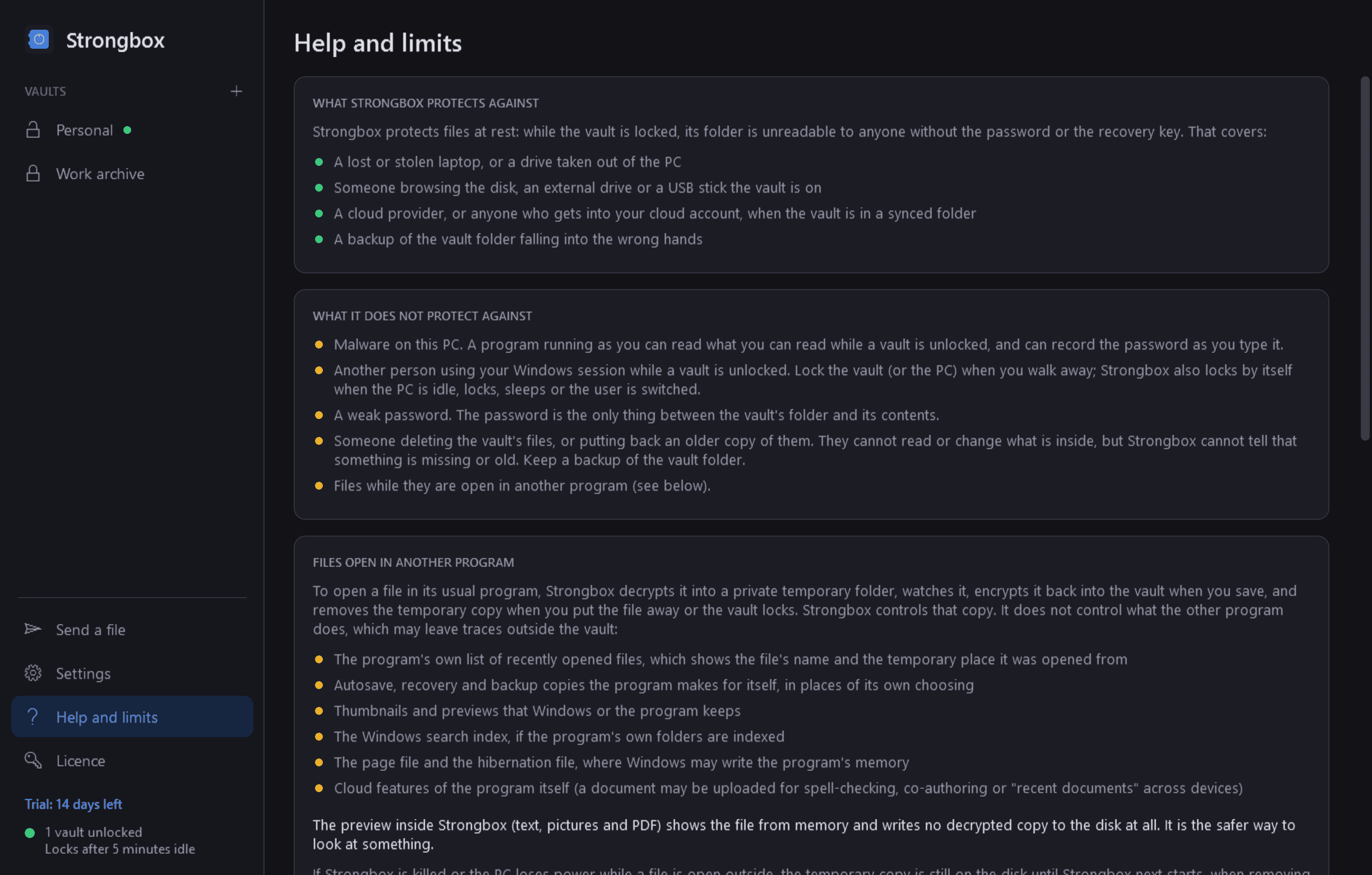
What it protects against, and what it does not
- It protects files at rest: a lost laptop, a stolen drive, someone browsing the disk, a cloud provider.
- It does not protect against malware on the PC, or against another person using your Windows session while a vault is unlocked.
- There is no back door, no master password and no recovery by anyone. A forgotten password, with no recovery key, means the files are gone. Strongbox says this plainly when a vault is made.
- Strongbox uses standard, published algorithms and invents none. It has been tested extensively by its maker, but it has not had an independent security audit.
Vaults
- As many vaults as you like, each a folder wherever you put it. The layout is many small encrypted files, so a vault in a synced folder syncs piece by piece.
- A password strength meter that estimates how many guesses a password would really take (dictionary words, names, dates and keyboard patterns are recognised), and refuses passwords that are trivially weak.
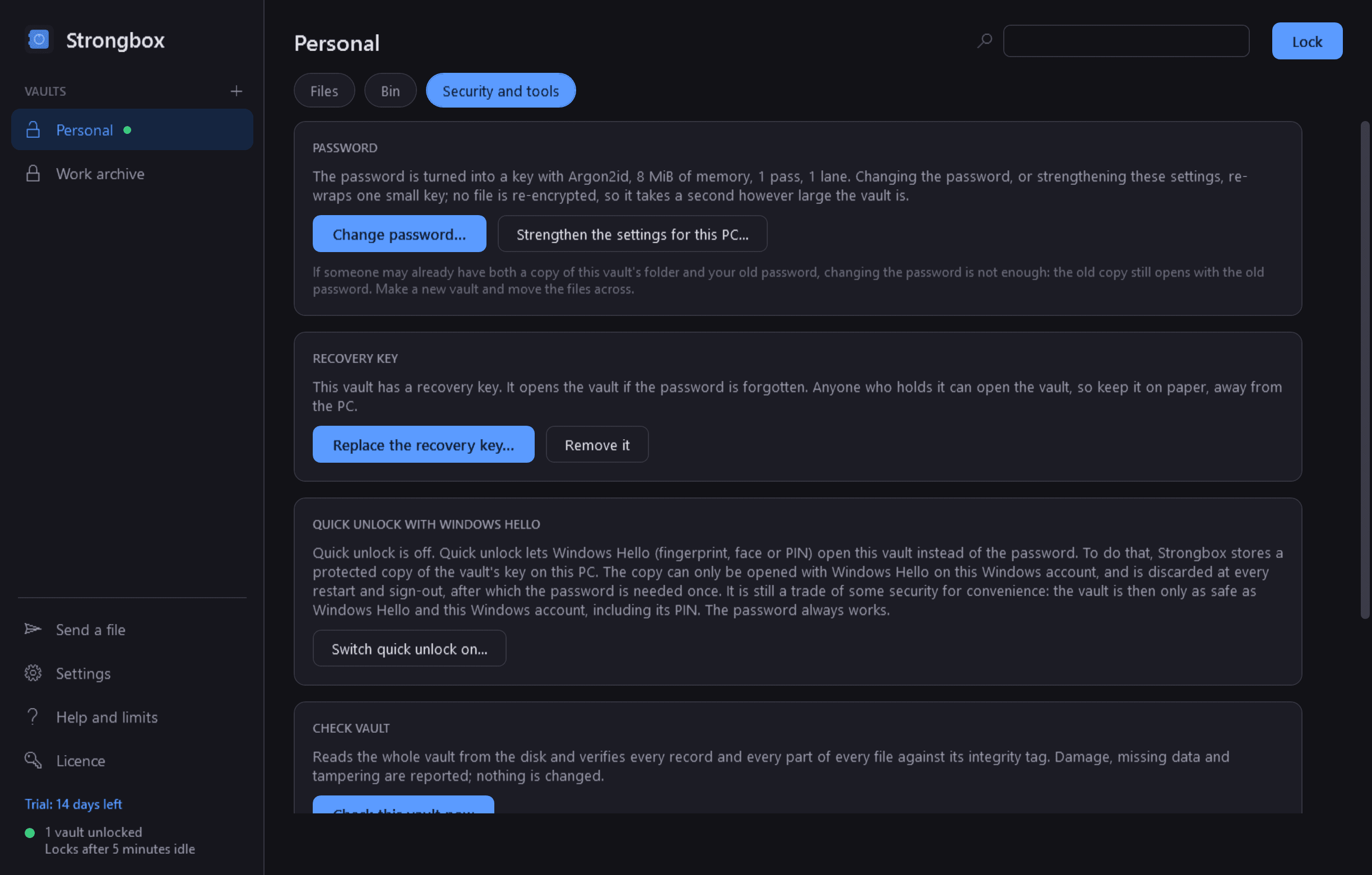
- An optional recovery key: a long random key, shown once, to print or write down, that opens the vault if the password is forgotten.
- Change the password, strengthen the password settings as PCs get faster, replace the recovery key. None of these re-encrypts your files.
- Optional quick unlock with Windows Hello (fingerprint, face or PIN), off by default, with an honest note about what it trades away. The password is needed again after every restart.
Using an unlocked vault
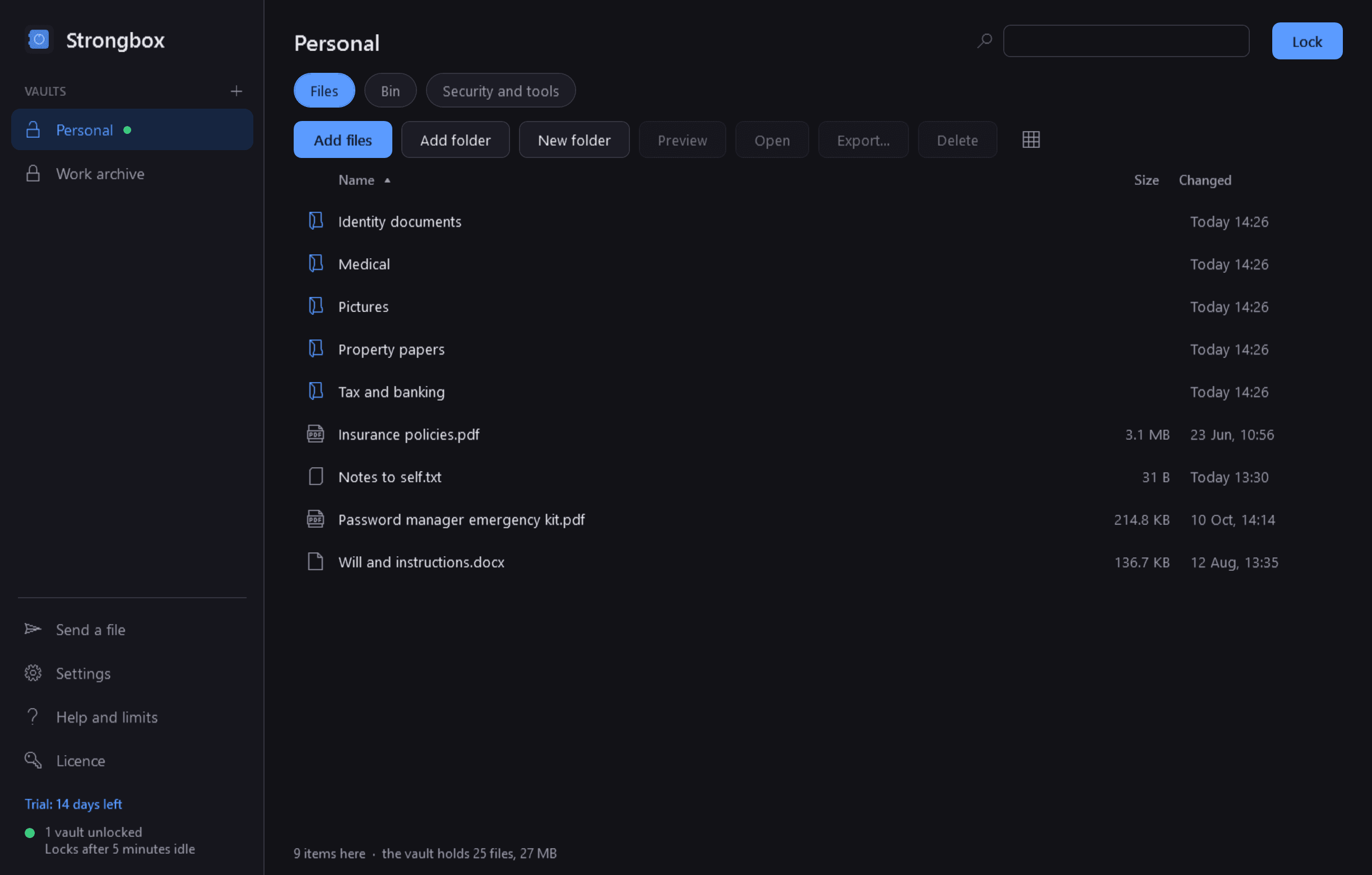
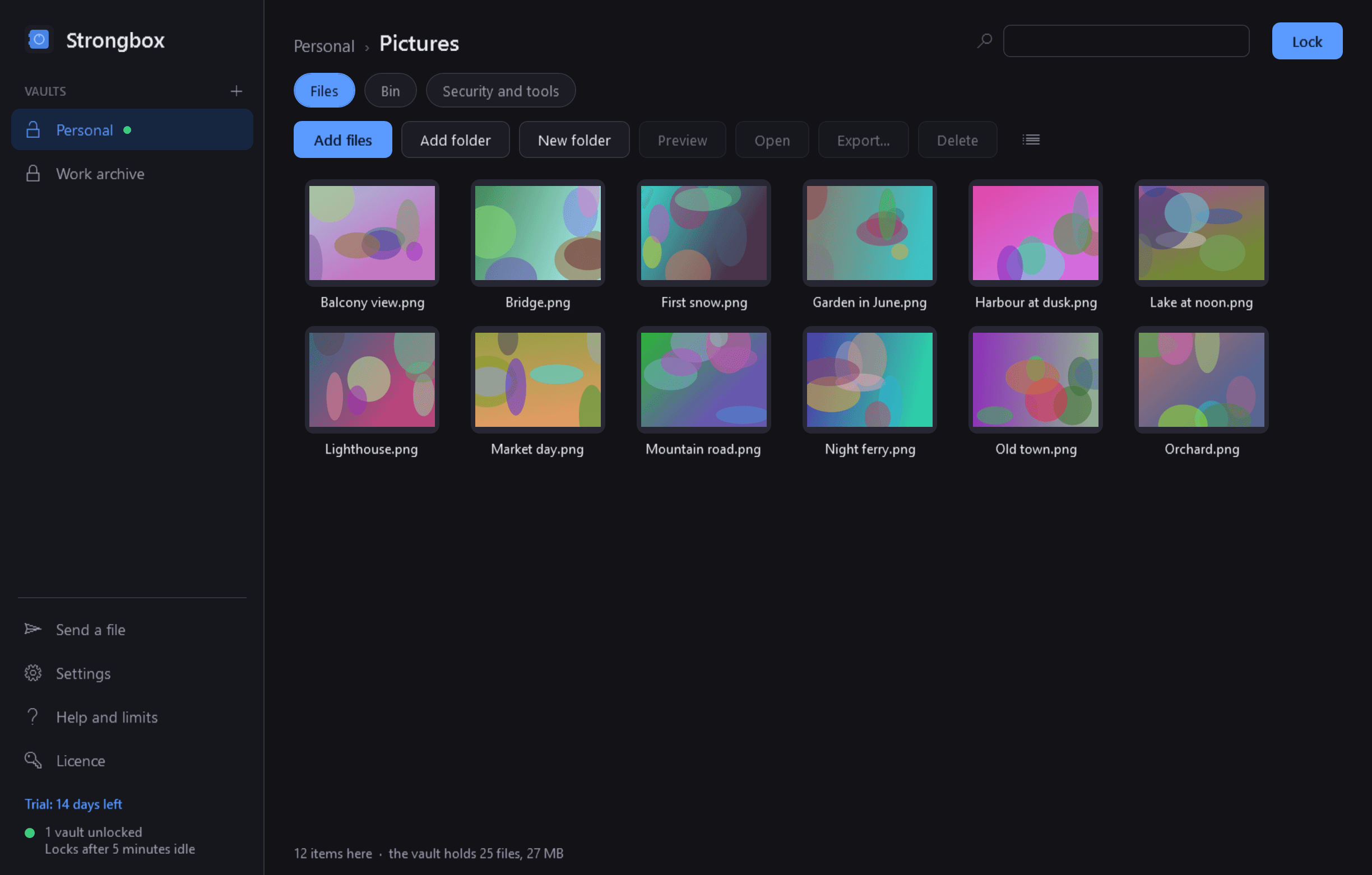
- An Explorer-like view: folders, files, sizes, dates, search by name, sorting, and picture thumbnails made in memory only.
- Add files and folders by drag and drop or a button. Afterwards Strongbox asks whether to leave or remove the originals, and explains why a removed original may still be recoverable.
- Preview text, pictures and PDF files inside Strongbox, from memory, with no decrypted copy written to the disk.
- Open any file in its usual program: it is decrypted to a private temporary place, watched, encrypted back into the vault whenever you save, and removed when you put it away or the vault locks. The files currently open outside the vault are always listed.
- Export (decrypt) files or folders out of the vault. Rename, move, delete to the vault's own bin, make folders.
- Check vault verifies every part of every file and reports any damage or tampering.
- Writes are crash-safe: a power cut in the middle of an operation leaves the old state or the new one, never a broken vault.
Locking
- Lock with a button, from the notification area, or with a global shortcut.
- Locks by itself after a set time idle, when Windows locks or sleeps, when the user is switched or signs out, and when the window is closed.
- On lock the keys in memory are overwritten, previews close, changed files are encrypted back in and temporary copies are removed. If another program still holds a temporary copy open, Strongbox says so, names it, and keeps trying.
- A short, growing delay after wrong passwords.
Encrypt a file to send
- Turn one file or folder into a single password-protected .strongbox file, with the same encryption, to send by email or carry on a USB stick. Opening one asks for the password and extracts it.
How it is encrypted
- Password to key: Argon2id, measured on your PC to take about half a second and never below 64 MiB and 3 passes.
- File contents: AES-256-GCM in 64 KiB chunks, so files of any size are handled without loading them into memory and any change, truncation or reordering is detected. Each file has its own random key.
- Names, the folder structure, dates and exact sizes are encrypted too. Someone looking at the vault on disk sees only opaque files.
- The vault format is written down in full and supplied with the program, together with a short independent Python program that opens a vault without Strongbox. Your data never depends on Strongbox itself.
Good to know: when the trial ends
- Free to try for 14 days with every feature.
- After that, without a licence, Strongbox becomes read-only, and that is all. Every vault still unlocks with its password or recovery key, and you can browse, preview, open files to view, export anything or everything, check a vault, and open a .strongbox file you were sent. An ended trial never stands between you and your own files, with or without an internet connection.
- What needs a licence: making vaults, adding and changing files, saving edits back in, making .strongbox files, changing passwords, and quick unlock.
- Strongbox itself never uploads anything. The only times it uses the internet are to check its licence and to look for updates.
- It installs for your user account only and never asks for administrator rights.
One-time purchase for one PC. Includes every version released in the following 12 months; the version you have keeps working after that.
Screens
A closer look.
Need somethinglike this built?
A few lines is enough. You will hear back from a person within one business day.