Work / Desktop apps / Network
Uplink
Know how fast your internet really is, and when it lets you down.
C#.NET 8WPF
What it does
Know how fast your internet really is, and when it lets you down.
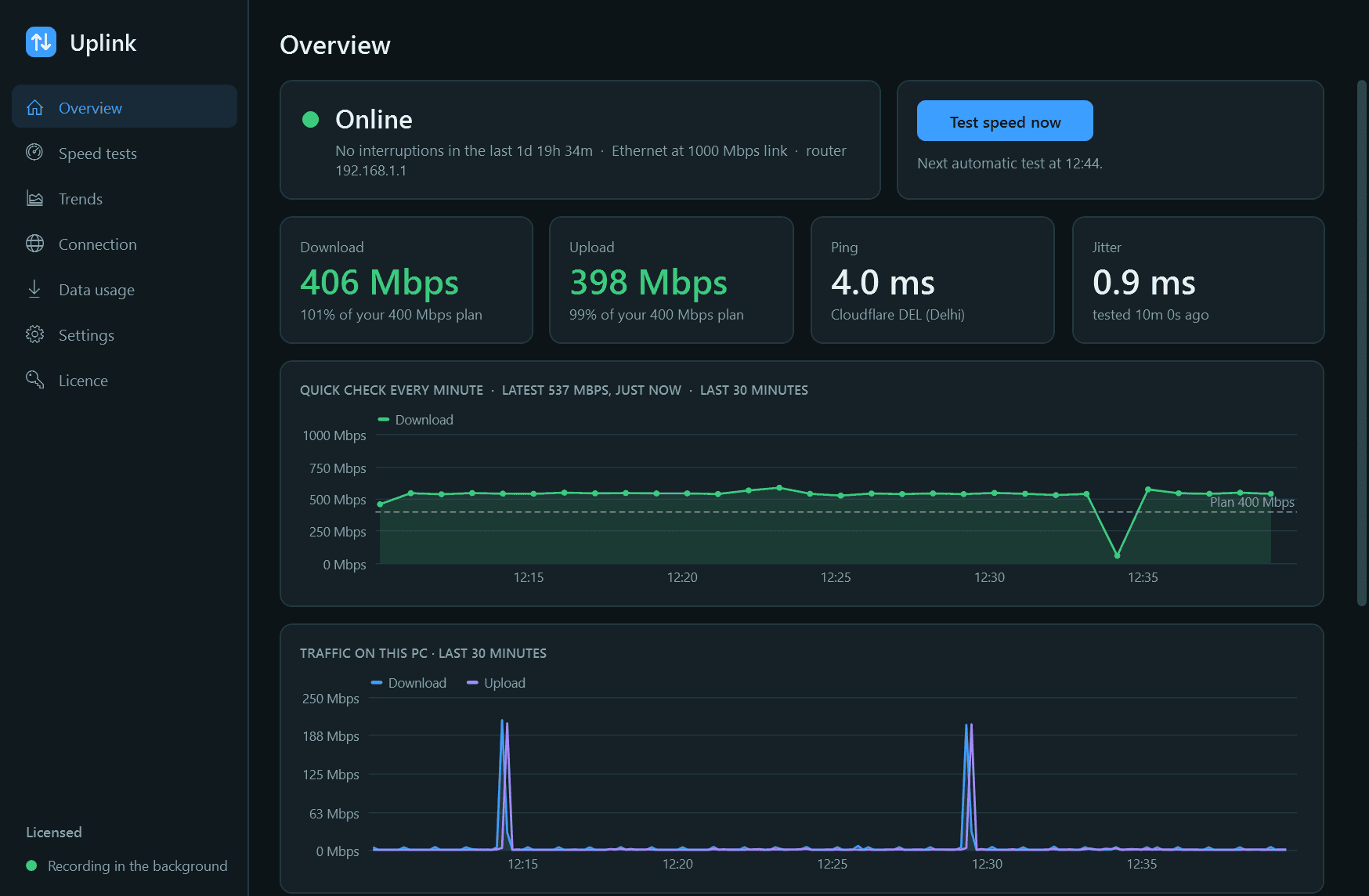
Uplink watches your internet connection around the clock and keeps a record of it, so when the line feels slow you can see whether it really is, when it started, and whether the fault is your router or your provider.
What it does
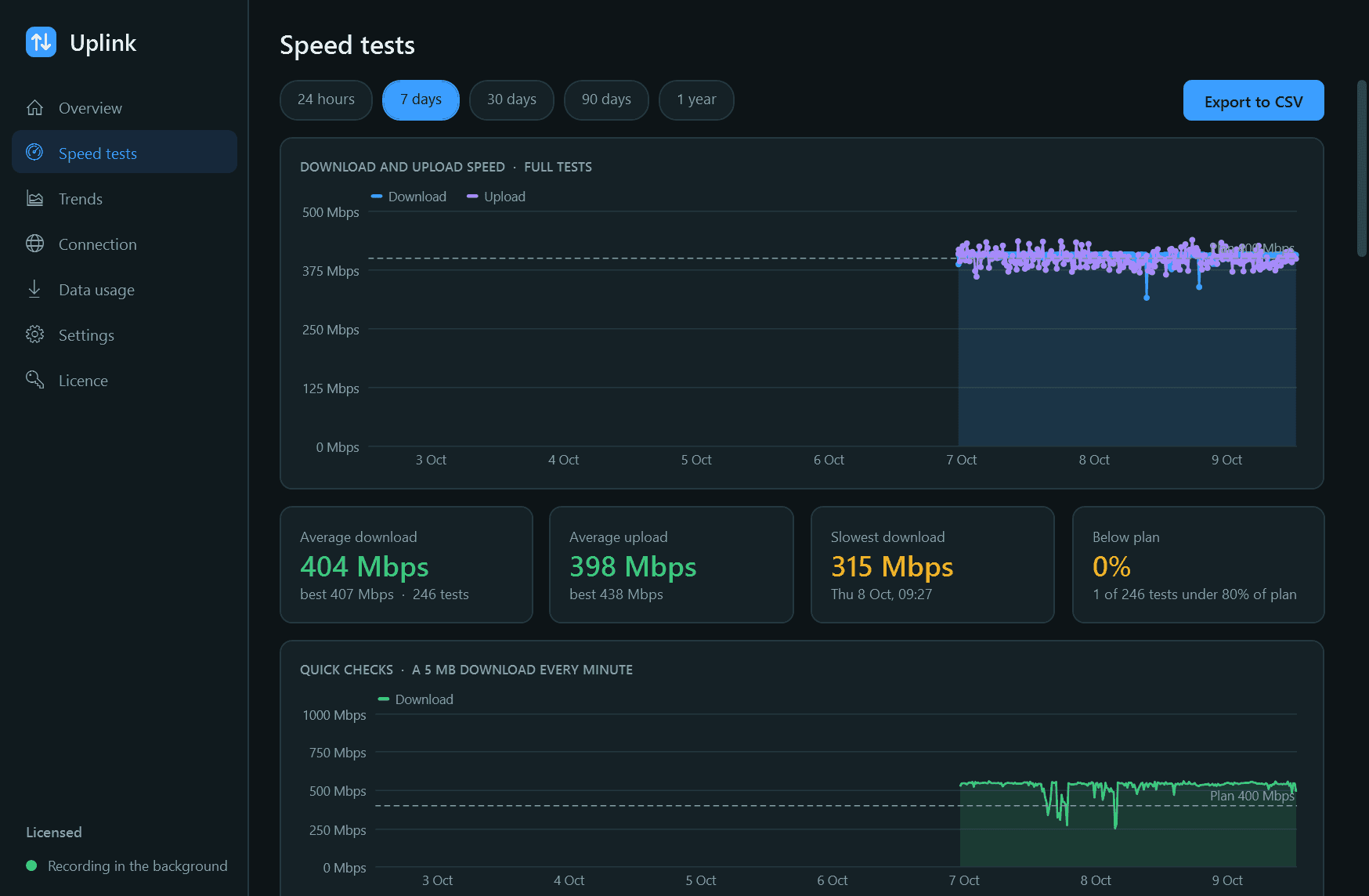
- Speed tests on a schedule and on demand: download, upload, ping and jitter.
- A quick check every minute between full tests, to catch dips as they happen.
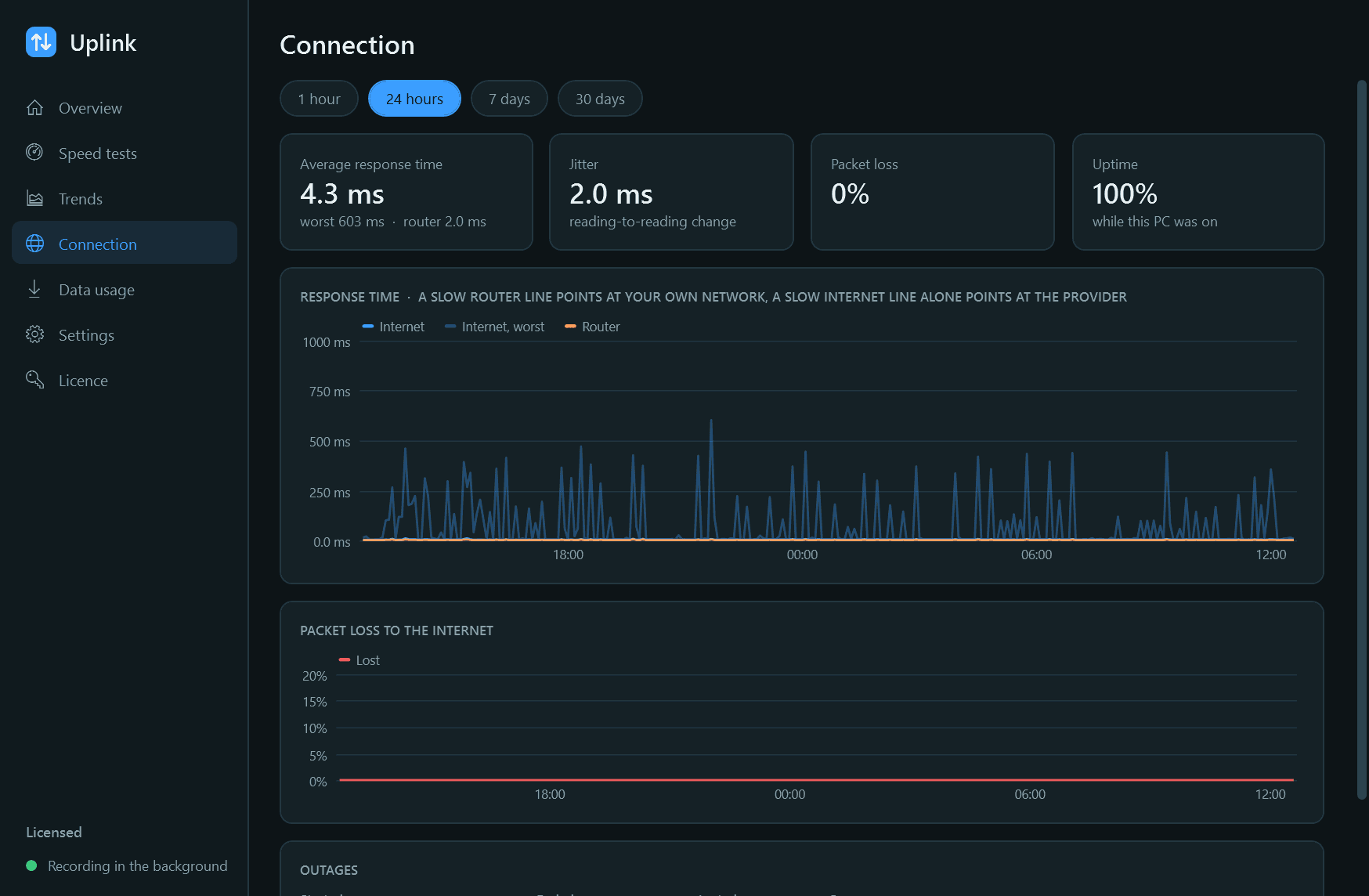
- Response time and packet loss to your router and to the internet, every 2 seconds.
- An outage log that says when the connection dropped, for how long, and which side was at fault.
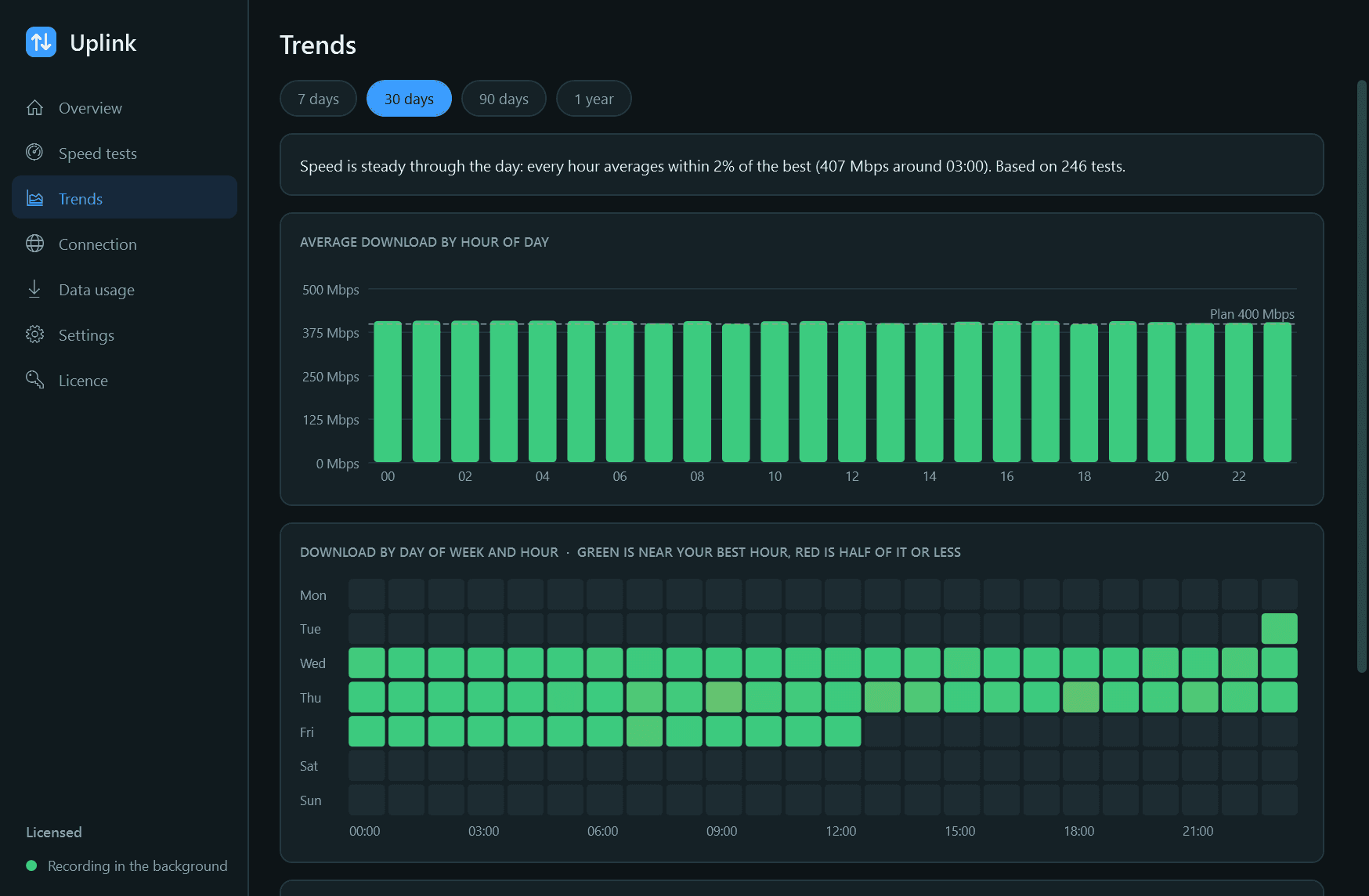
- Trends by hour of day, weekday and day, so you can see when the line is at its worst.
- How much data this PC moves each day, and export of speed tests to CSV.
Good to know
- Everything is measured from this PC. On Wi-Fi, a poor result can be the Wi-Fi rather than the provider; the router response time tells the two apart.
- A full speed test runs the line flat out, so it uses real data: roughly 120 MB on a 100 Mbps line, per test. Settings shows how much the tests have used.
- Nothing is recorded while the PC is off.
- Free for 14 days with every feature. After that Uplink needs a licence to keep working: without one it stops monitoring and its pages are closed. What it has recorded stays on your PC and is shown again once you activate.
One-time purchase for one PC. Includes every version released in the following 12 months; the version you have keeps working after that.
Screens
A closer look.
Next project · Desktop appsSpindle →
Need somethinglike this built?
A few lines is enough. You will hear back from a person within one business day.
Start a projector email [email to set] · [booking link to set]